Sayfalar (23)Demo scene
- Overview
- Installation
- Getting started
- Quick Start window
- System overview
- Easy Weather Manager
- Time Module
- Celestial Module
- Cloud Module
- Volumetric clouds
- Cloud shadows
- Fog
- Detail Module
- Weather Effects Module
- Weather presets
- Events Module
- Lens flare occlusion
- Helper components
- Demo scene
- Scripting guide
- Troubleshooting
- FAQ
- Changelog
Demo scene
Son güncelleme: 6 Ekim 2026
Bu sayfa henüz Türkçeye çevrilmedi, İngilizcesi gösteriliyor.
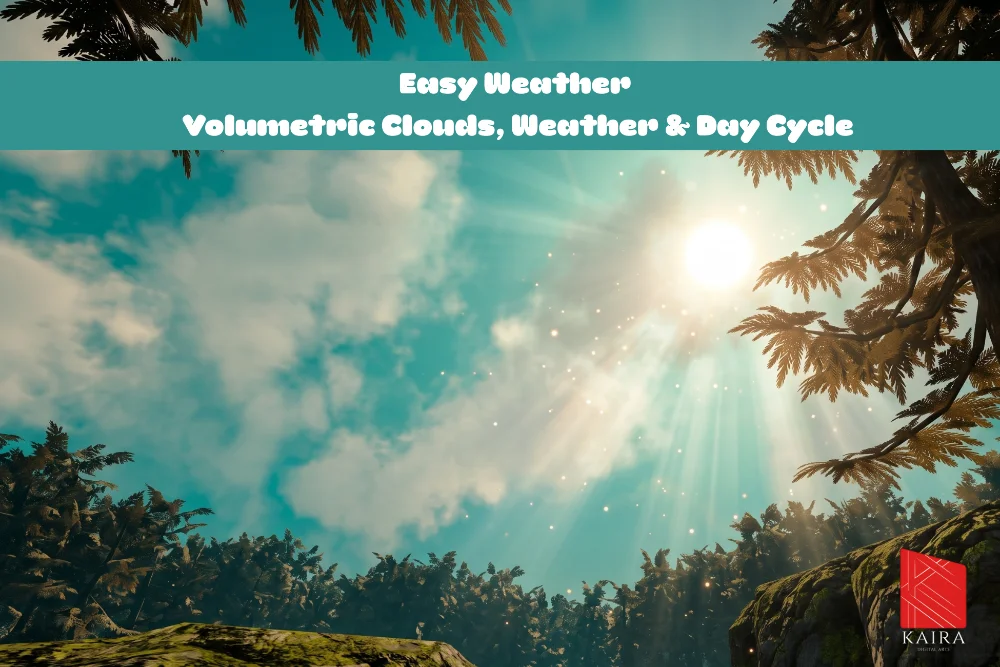
Demo/Scenes/EasyWeatherDemo is a finished scene with terrain, trees, rocks, water and the complete system. Open it from the Quick Start window or the Project window.
The demo folder also holds the three demo weather presets (Demo/Weather Effects), the demo water shader and material (Demo/Water) and URP settings for the demo (Demo/Settings).
Camera controls
DemoCameraController has two modes, switched with Tab.
| Key | Free Cam | First Person |
|---|---|---|
| WASD or arrows | Fly along the view | Walk |
| Mouse | Look | Look |
| Shift | Faster | Run |
| E or Space | Up | Jump (Space) |
| Q or C | Down | |
| Mouse wheel | Fly speed |
Esc frees the cursor, a click captures it again, and the right mouse button looks around while the cursor is free. F1 hides the help text. In first person, deep water turns walking into swimming on the surface; walk out at the shore. The controller works with both the Input System package and the legacy Input Manager.
Test HUD
DemoWeatherHUD is an on-screen test panel that needs no canvas: add it to any object. It shows the frame rate, one button per weather preset, a time of day slider with speed controls, switches for the cloud layers, cloud shadows, fog and the night sky, and an event log.
| Key | Action |
|---|---|
| 1 to 9 | Start a weather preset |
| 0 | Clear sky |
| P | Pause time |
[ and ] | One hour back or forward |
| H | Hide the panel |
The HUD writes straight to the module fields. A value driven by a 24 hour curve is shown disabled, because the curve would overwrite it the next frame.
Demo water
The KDA_Water shader is part of the demo, not of the weather system, but it shows how a custom shader can follow the sky:
- Its reflection and sun glitter come from the sky globals, so they follow the time of day and the weather. The glitter dims under cloud cover.
- It receives Cloud shadows.
- Looking up from below the surface shows the sky through the water.
- It needs Opaque Texture for refraction and Depth Texture for its depth color.
Put your water object on one of the fog's Water Layers (the Water layer by default) so the fog meets the waves correctly. See Fog.
Bu sayfaya bağlantı veren sayfalar
Hâlâ takıldınız mı?
Unity sürümünüzü, render pipeline bilginizi ve sorunun ekran görüntüsünü gönderin.