
Sayfalar (23)Weather presets
- Overview
- Installation
- Getting started
- Quick Start window
- System overview
- Easy Weather Manager
- Time Module
- Celestial Module
- Cloud Module
- Volumetric clouds
- Cloud shadows
- Fog
- Detail Module
- Weather Effects Module
- Weather presets
- Events Module
- Lens flare occlusion
- Helper components
- Demo scene
- Scripting guide
- Troubleshooting
- FAQ
- Changelog
Weather presets
Son güncelleme: 6 Ekim 2026
Bu sayfa henüz Türkçeye çevrilmedi, İngilizcesi gösteriliyor.
A weather preset is a WeatherEffectData asset: a complete description of one weather. It says how likely it is, when and how long it runs, what it spawns, what it sounds like, and which values it overrides.
Create a preset
- In the Project window choose Assets > Create > Easy Weather System > Weather Effect Data, or press + Create New Effect on the Weather Effects Module.
- Give it an Effect Name. Code finds presets by this name.
- Add it to the module's Available Effects list.
The inspector has the sections Duration & Timing, Visual Effects, Weather Events, Transitions, Module Overrides and Audio.
Duration and timing
| Field | Default | Description |
|---|---|---|
effectName | Unique name of the weather | |
probability | 20 | Weight in the daily roll, 0 to 100 |
minDurationHours, maxDurationHours | 2, 6 | Duration range in game hours, 0.5 to 24 |
earliestStartTime, latestStartTime | 0, 24 | Start window in game hours |
preferDayTime, preferNightTime | off, off | Prefer starting during the day or the night |
Visual effects
effectPrefabs lists the prefabs spawned while the weather runs, usually particle systems. They are created as children of the Weather Effects Module and destroyed when the weather ends. The shipped rain and snow prefabs follow the camera with FollowPlayer.
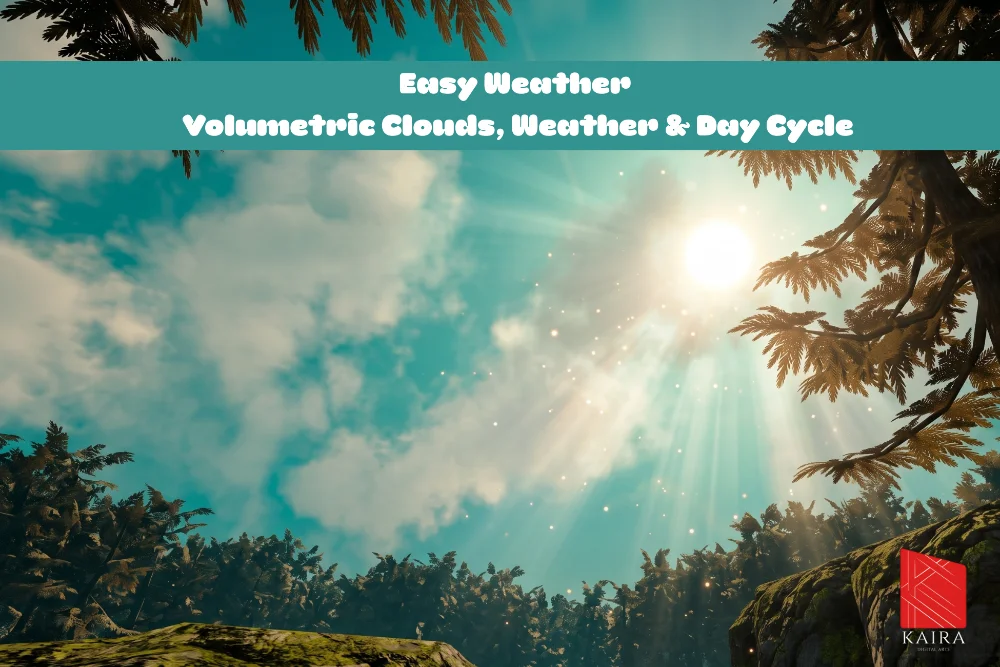
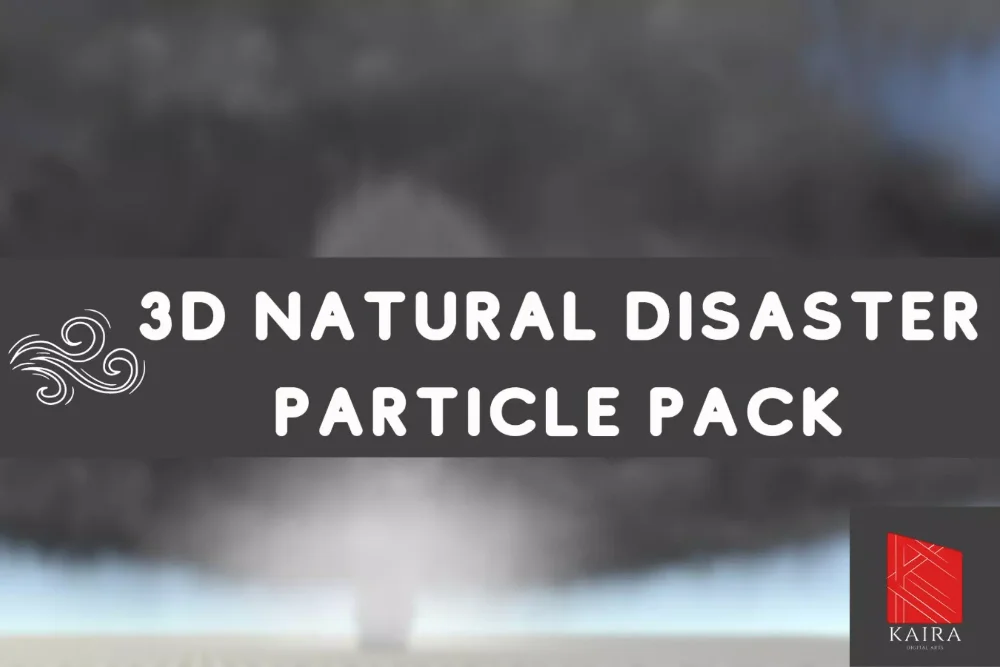
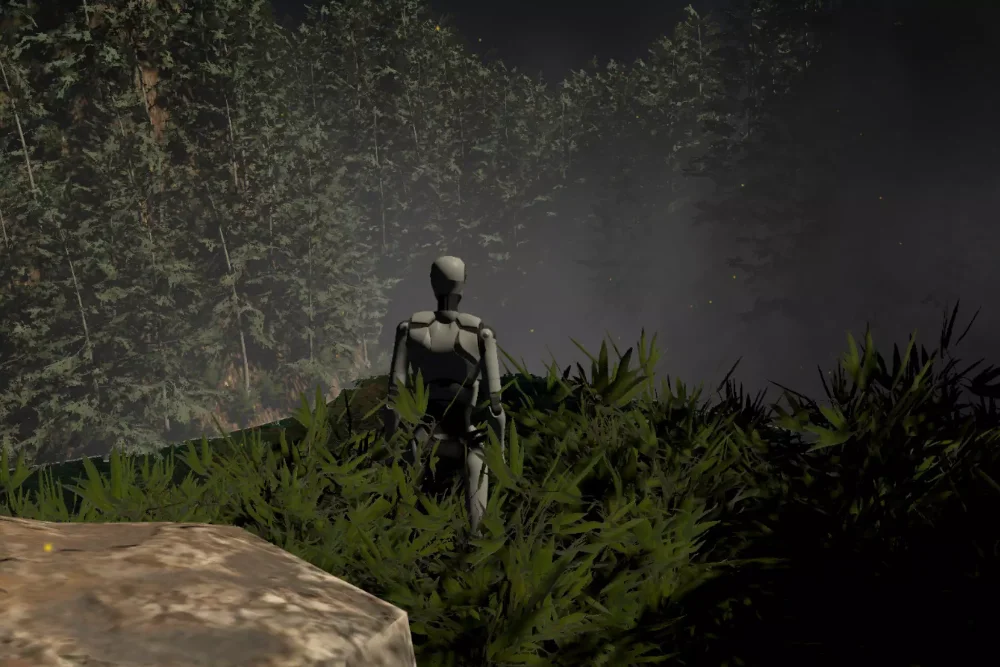
Any prefab works here, so particle effects from our other packs can be used as weather too:
Weather events
| Field | Description |
|---|---|
onWeatherStart, onWeatherEnd | UnityEvents fired when this weather starts and ends |
customEvents | Named events fired while the weather runs |
Each custom event has a name, an enabled switch, a trigger type and a UnityEvent:
| Trigger type | Behaviour |
|---|---|
| Once | Fires once, delaySeconds after the weather starts |
| Repeating | Fires every intervalSeconds |
| Random | Fires at random intervals between randomMinInterval and randomMaxInterval |
TriggerCustomEventByName on the Weather Effects Module fires one by hand.
Transitions
transitionInDuration and transitionOutDuration (0.1 to 60 seconds, default 5) are how long the overrides take to blend in and back out.
Module overrides
Each override group has a switch, and every value inside a group has its own tick. A value is driven only when both the group switch and its tick are on. An unticked value is never written, on the way in or out, so a preset can change just the ground ambient, or just the cloud coverage, and leave everything else to the time of day. Ticks are on by default.
Time override
overrideTime with timeSpeed sets the Time Module's day speed while the weather runs.
Celestial override
overrideCelestial recolors the sky: sunColor, moonColor, sunsetIntensity, daySkyTopColor (zenith) and daySkyHorizonColor. overrideSunSize with sunSize (off by default) gives a hazy sky a bigger, softer sun.
Light override
overrideLight sets the sun light itself: lightIntensity (0 to 3), lightColor and shadowStrength. The Celestial override only recolors the sky. Without this group a storm leaves the ground lit at clear day strength. These are plain values, not a dimmer, so a bright overcast can set them higher.
Ambient override
overrideAmbient sets the Trilight ambient: ambientSkyColor, ambientEquatorColor, ambientGroundColor, ambientIntensity (0 to 2) and groundColorMultiplier. The Celestial Module's cloud darkening of the ambient fades out with the transition, so the colors show as you set them. Use Sky Colors copies the sky override's zenith and horizon colors in.
Cloud and fog override
overrideCloud drives cloudCoverage (0 to 1.5), cloudDensity, cloudHeight, cloudThickness, cloudBrightness, windDirection and windSpeed, plus the fog values:
| Field | Description |
|---|---|
overrideSkyFogDensity, fogDensity | The 2D sky dome fog |
overrideFog, vFogDensity, fogBrightness | The volumetric fog density and the shared fog brightness. Off by default |
overrideFogDistance, fogStartDistance, fogEndDistance | Pulls the fog wall in. Works in the manual and the Sync With Skydome distance mode alike. Off by default |
Coverage above the level your 3D clouds were generated at hands the overcast to the 2D layer, see Volumetric clouds.
Detail override
overrideDetail drives starsIntensity, the galaxy (enableGalaxy, galaxyIntensity) and the aurora (enableAurora, auroraIntensity).
Volume override
overrideVolume with volumeProfile and volumeWeight blends a URP Volume profile in over Transition In and out over Transition Out. Only the overrides ticked inside the profile apply.
The sun disc, its halo and the lens flare dim with cloud cover on their own, and the fog color follows the preset's sun color when Auto Sync Colors is on. A storm preset usually only needs the sky, light, ambient and cloud groups.
Audio
| Field | Description |
|---|---|
fadeInAudio, audioFadeInDuration, fadeOutAudio, audioFadeOutDuration | Optional fades in seconds |
useWeatherSound, weatherSoundClip, weatherSoundVolume, loopWeatherSound | Main weather loop (rain, snow) |
useWindSound, windSoundClip, windSoundVolume, loopWindSound | Wind loop |
useAmbientSound, ambientSoundClip, ambientSoundVolume, loopAmbientSound | Extra ambient loop |
useThunderSound, thunderSoundClip, thunderSoundVolume, thunderInterval | A thunder clip played every thunderInterval seconds (5 to 60) |
clearAmbienceVolume | How loud the clear weather ambience stays during this weather. 0 silences it, 1 leaves it unchanged |
Helper methods
| Member | Description |
|---|---|
float GetRandomDuration() | A duration inside the preset's range |
float GetRandomStartTime() | A start time inside the preset's window |
float GetRandomStartTimeWithPreference(float dayStart, float nightStart) | A start time that respects the day and night preference |
Demo presets
The three presets in Demo/Weather Effects are good starting points.
| Preset | Spawns | Notes |
|---|---|---|
| Light Rain | LightRain | Sky, light, ambient, cloud and detail overrides, rain and wind sounds |
| Heavy Rain | Thunder, Rain | Same groups with heavier values, plus lightning from the Thunder prefab |
| Snow | Light Snow | Also overrides the fog and blends the SnowVolume post processing profile |
Bu sayfaya bağlantı veren sayfalar
Hâlâ takıldınız mı?
Unity sürümünüzü, render pipeline bilginizi ve sorunun ekran görüntüsünü gönderin.